

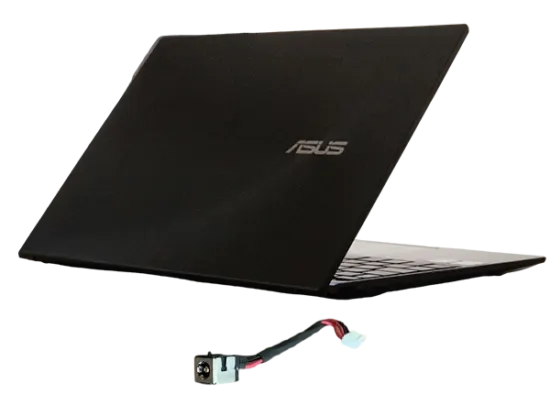
The power jack, or DC jack, is the round socket where the charger plugs in. It takes force every time you plug in, and a pulled cable can crack its solder joints or the socket itself. We repair and replace power jacks at our Midtown store. For USB-C charging, see laptop charging port repair.
Signs of a bad power jack
- The laptop charges only when the plug is held at an angle.
- The plug feels loose or wobbles in the socket.
- The charging light flickers on and off.
- A burning smell or a dark mark around the socket. Stop using it and bring it in.
Check the charger first
A broken charger cable looks like a bad jack. If you have another charger with the right connector and wattage, try it. We test the charger, the jack and the charging circuit during the diagnostic, so you do not pay for the wrong part.
How we repair it
On some laptops the jack is soldered to the motherboard; on others it sits on a short cable or a small board. We open the laptop, find which one you have and whether the board around it is damaged, and give you the price before we start.
Other laptop repairs
Visit our Midtown store
347 Fifth Ave, Suite 1502 (15th floor), New York, NY 10016. Mon–Fri 10:00am–6:45pm, Sat 12:00pm–6:00pm, closed on Sunday. Walk-ins are welcome during opening hours; booking a time helps us plan your visit. Call 929-810-1155, see our contact page, or use our mail-in repair service.


