
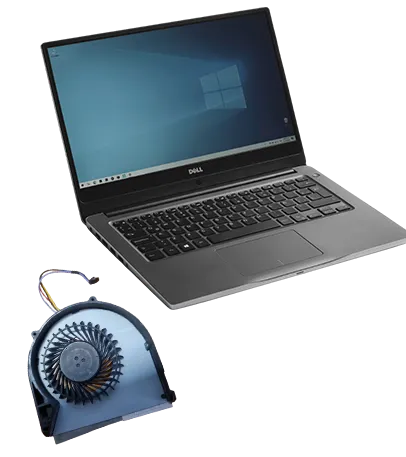
A laptop that runs hot, shuts down under load or sounds like a hair dryer usually has a fan problem: dust packed in the heatsink, a worn bearing or a fan that stopped. We clean or replace laptop fans at our Midtown store.
Signs of a fan problem
- Loud grinding, rattling or whining from the side vents.
- The laptop gets very hot and slows down.
- It shuts down during games, video calls or video editing.
- A fan error message at startup, or the fan never spins.
Cleaning or replacement?
Often a cleaning is enough: we open the laptop, clear dust from the fan and the heatsink fins, and check the thermal paste. If the fan bearing is worn or the fan does not spin, we replace it with a fan for your model. We tell you which one your laptop needs, and the price, after the diagnostic.
Don't wait too long
Running hot for months shortens the life of the battery and can damage the motherboard. If your laptop is overheating, bring it in before it starts shutting down.
Other laptop repairs
Visit our Midtown store
347 Fifth Ave, Suite 1502 (15th floor), New York, NY 10016. Mon–Fri 10:00am–6:45pm, Sat 12:00pm–6:00pm, closed on Sunday. Walk-ins are welcome during opening hours; booking a time helps us plan your visit. Call 929-810-1155, see our contact page, or use our mail-in repair service.


