

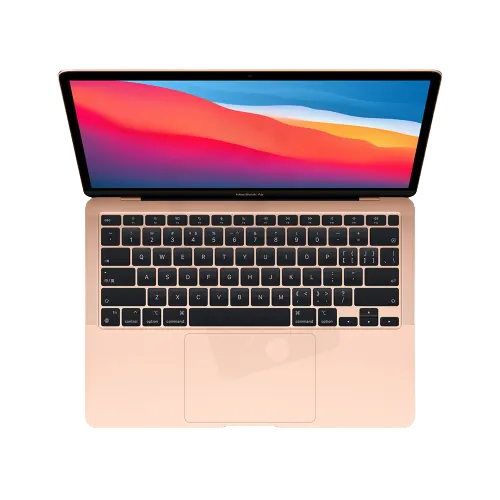
The MacBook Air M1 has a scissor-switch Magic Keyboard, which is much less fragile than the butterfly keyboards before it. When it fails, it is usually after a spill or a broken key. We replace it at our Midtown store.
Common M1 Air keyboard problems
- A key that no longer clicks or registers.
- A key cap that came off and does not clip back.
- Keys that stopped working after coffee, tea or soda.
- Backlight that is dark on some keys or all of them.
How the repair works
We test the keyboard, the Touch ID button and the board connection, then tell you whether the keyboard alone or more parts need replacing. The M1 Air keyboard is riveted to the top case, so it is a careful job. If the Mac had a spill, we check the logic board for corrosion first, because a new keyboard does not fix a damaged board.
Before you bring it in
Try an external keyboard. If it works and the built-in one does not, the keyboard is the likely cause. After a spill, turn the Mac off and see our MacBook Air water damage page.
Other MacBook and Mac repairs
Visit our Midtown store
347 Fifth Ave, Suite 1502 (15th floor), New York, NY 10016. Mon–Fri 10:00am–6:45pm, Sat 12:00pm–6:00pm, closed on Sunday. Walk-ins are welcome during opening hours; booking a time helps us plan your visit. Call 929-810-1155, see our contact page, or use our mail-in repair service.


