

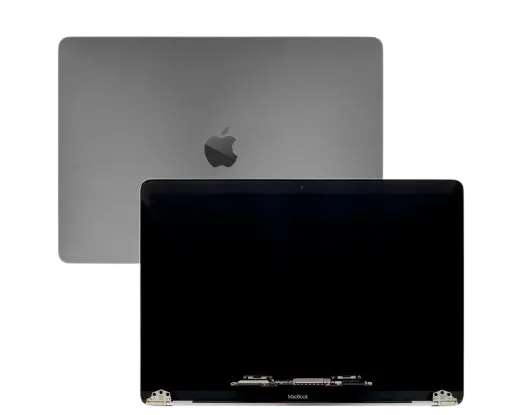
A cracked MacBook screen, lines, a black display with a working Mac behind it, or flickering when you move the lid: we find the cause and replace what is needed at our Midtown store. Screens are one of our most common MacBook repairs, 35 this year across MacBook Air and MacBook Pro.
Is it the screen or something else?
- Cracked glass or ink spots: the display panel is damaged and needs replacing.
- Black screen but the Mac runs: plug in an external display. If that works, the fault is in the display, its cable or the backlight.
- Flickering or lines that change with the lid angle: often the display cable. We test it before quoting.
- Nothing at all: the problem may be power or the board, not the screen.
How a MacBook screen is replaced
On most MacBooks the display is replaced as a complete assembly: panel, frame and hinges together. The price depends on the model and year; we confirm it after the diagnostic. Model pages: MacBook Pro screen replacement and MacBook Air M1 screen replacement.
Before you bring it in
Back up if the Mac still works with an external display. A screen replacement does not touch your files. Note the model from Apple menu > About This Mac, or the model number on the bottom case, so we can check parts.
Other MacBook and Mac repairs
Visit our Midtown store
347 Fifth Ave, Suite 1502 (15th floor), New York, NY 10016. Mon–Fri 10:00am–6:45pm, Sat 12:00pm–6:00pm, closed on Sunday. Walk-ins are welcome during opening hours; booking a time helps us plan your visit. Call 929-810-1155, see our contact page, or use our mail-in repair service.


