

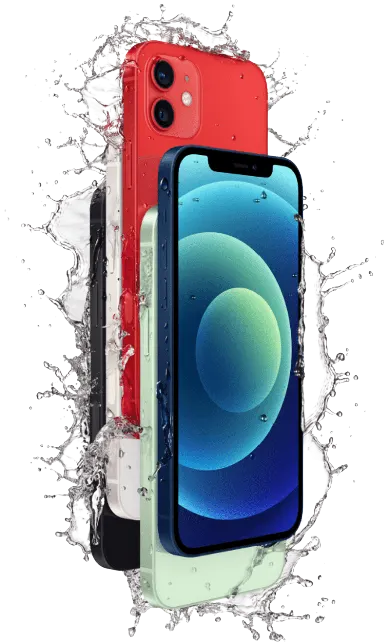
The iPhone 12 is rated IP68, but water resistance is not waterproofing. Seals weaken with age, with drops and after any screen or battery repair, and salt water, coffee and soda do more damage than clean water. If your phone got wet and now acts strangely, turn it off and bring it to our Midtown store as soon as you can.
What to do right after your iPhone 12 gets wet
- Turn it off and do not turn it back on to test it.
- Do not charge it. Power on a wet board speeds up corrosion.
- Do not put it in rice. Rice does not dry the inside, and the dust gets into the ports.
- Wipe it and tap it gently with the charging port facing down, then bring it in.
Signs of water damage
Lines or spots on the screen, a phone that gets hot, sound that is muffled, Face ID that stops working, a camera that fogs up, or a “Liquid Detected in Lightning Connector” alert. Some phones work for a few days and then fail as corrosion spreads.
How we repair water damage
We open the phone, check the board, the battery, the screen and the charging port for corrosion, and clean the board. Then we tell you which parts need replacing and the price. Some phones cannot be saved, and we tell you that after the diagnostic. This year the iFix New York stores took in 15 iPhone 12 repairs, 2 of them for liquid damage.
Other iPhone repairs
Visit our Midtown store
347 Fifth Ave, Suite 1502 (15th floor), New York, NY 10016. Mon–Fri 10:00am–6:45pm, Sat 12:00pm–6:00pm, closed on Sunday. Walk-ins are welcome during opening hours; booking a time helps us plan your visit. Call 929-810-1155, see our contact page, or use our mail-in repair service.


